
Send professional quotes in minutes, not hours.
SimplyQuoting helps small businesses create branded, accurate quotes in a few clicks - so you spend less time on paperwork and more time winning jobs.
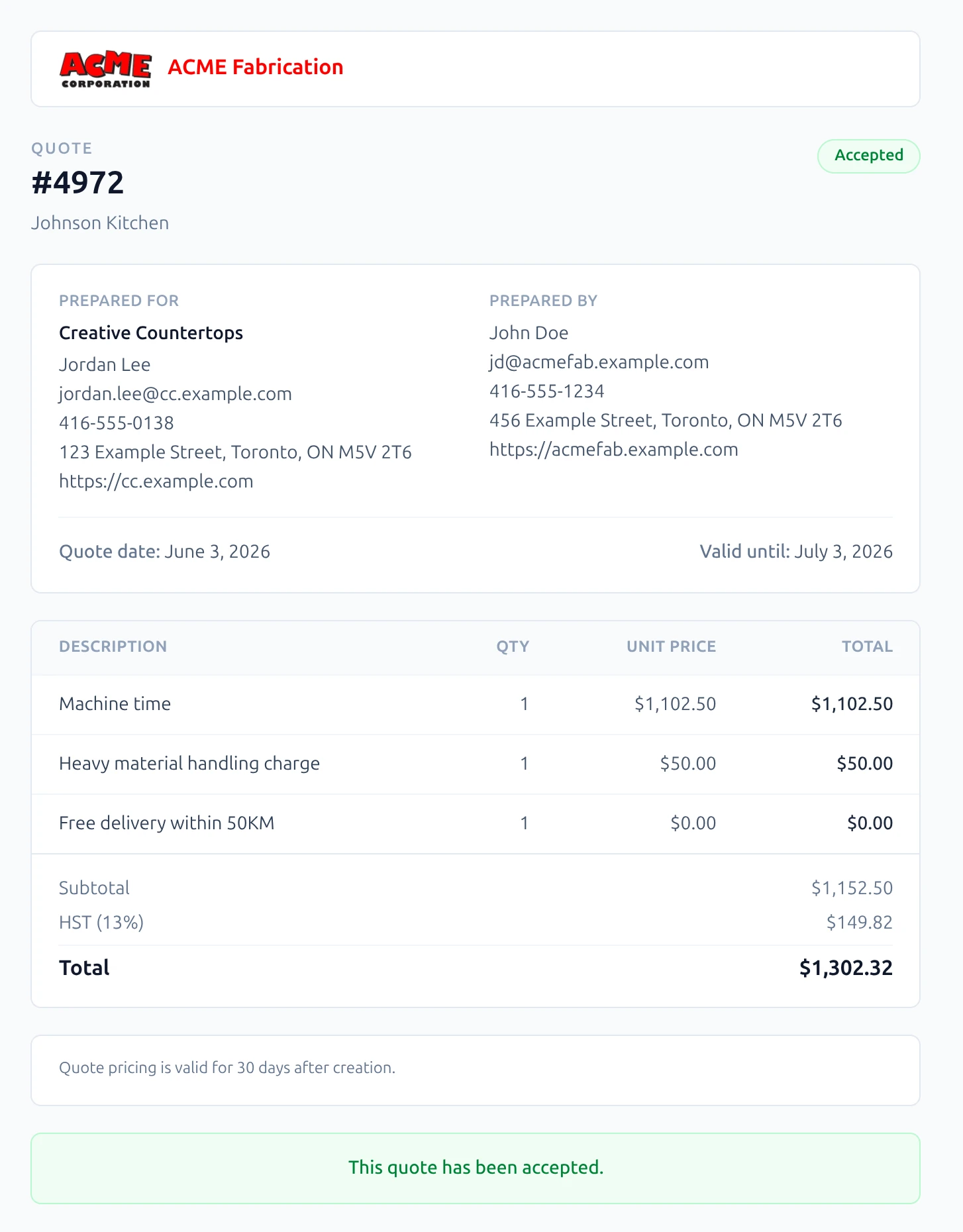
Everything small businesses need to quote with confidence.
From the first line item to the client's signature - fast, professional, and done without the back-and-forth.
Stop spending your evenings on quotes that should take minutes.
Stitching together a quote in Word, re-checking your pricing, exporting to PDF, attaching to an email… it's an hour of admin for every job you want to win.
SimplyQuoting lets you build a complete, accurate quote from saved line items and templates - then send it to the client in one click. Start a quote, finish a quote, send a quote, move on.
- Saved products & services - build your library once, reuse forever
- Quote templates for your most common job types
- Send directly from the app - no downloading, no attaching
Prepared for Sarah Mitchell - 14 Riverside Close
Win jobs before the client even reads the price.
A quote pasted into the body of an email doesn't just look sloppy - it tells the client you might run the job the same way.
Every quote you send through SimplyQuoting arrives as a clean, branded document with your logo, your colours, and a clear layout clients can actually read. You look like the established business you are - even if you started last year.
- Your logo and brand colours on every quote
- Clean layout - no formatting accidents, ever
- Client accepts online - no printing, signing, or scanning
The tool built for quoting - not repurposed from something else.
Word and Excel were built for documents and data - not for winning jobs. Every quote is a manual rebuild, a formatting battle, and a version you might accidentally send the wrong one of.
SimplyQuoting is purpose-built for quoting. That means your quote history is searchable, your pricing is always current, and you never lose track of what you sent, to whom, and whether they've opened it.
- Full quote history - every quote, searchable, forever
- See when clients open your quote - follow up at the right moment
- Pricing library - update a rate once, it updates everywhere
Built for
Who SimplyQuoting is built for
SimplyQuoting is for small trade businesses that still quote in Word, Excel, or on paper — and want a faster, more professional way to win work. If your quoting takes hours and your quotes still look like invoices, this is for you.
Upload a DXF file, get a complete costed quote automatically. No manual measurement of cut paths or pierce points. No missed pierces.
Enter room dimensions and get a fully itemized quote — flooring, casing, door frames, transitions, and waste allowances calculated automatically.
Any small trade still building quotes in Word or Excel. Spend less time on admin and more time on the job.
Embed a customer self-quote form on your own website. Clients submit their requirements 24/7; you get an instant notification and turn it into a quote.
Common questions
How long does setup take?
Under an hour. Choose your quoting engine, upload your logo, set your standard terms, and build your pricing library. Most users send their first real quote the same day they sign up.
What trades does SimplyQuoting support?
WaterJet 2D cutting and general construction and fit-out are live now. Laser cutting, plumbing and HVAC, and electrical engines are in development. If your trade is not listed, email us — we prioritise based on demand.
Is there a free trial?
Yes. Every plan starts with a 14-day free trial. You get full access to your chosen plan so you can send real quotes before you commit. Cancel within the trial period and you will not be charged.
How does the quoting engine calculate prices?
Each engine is built around the specific inputs of its trade. The WaterJet engine reads your DXF file, traces every cut path, and counts every pierce point before applying your material and machine rates. The construction engine takes room dimensions and works out material quantities, component lists, and waste allowances automatically. You set your rates; the engine does the rest.
Can my clients accept quotes online?
Yes. Every quote sent through SimplyQuoting includes a branded client view with an accept button. Your client reviews the quote, clicks Accept, and you are notified immediately. No printing, no email chains, no chasing.